THE PLAYABLE INTERIOR / VOL. 01AN INDEPENDENT FIELD GUIDE

A field guide to
games & good spaces.

The objects

Object 09 / Arcades

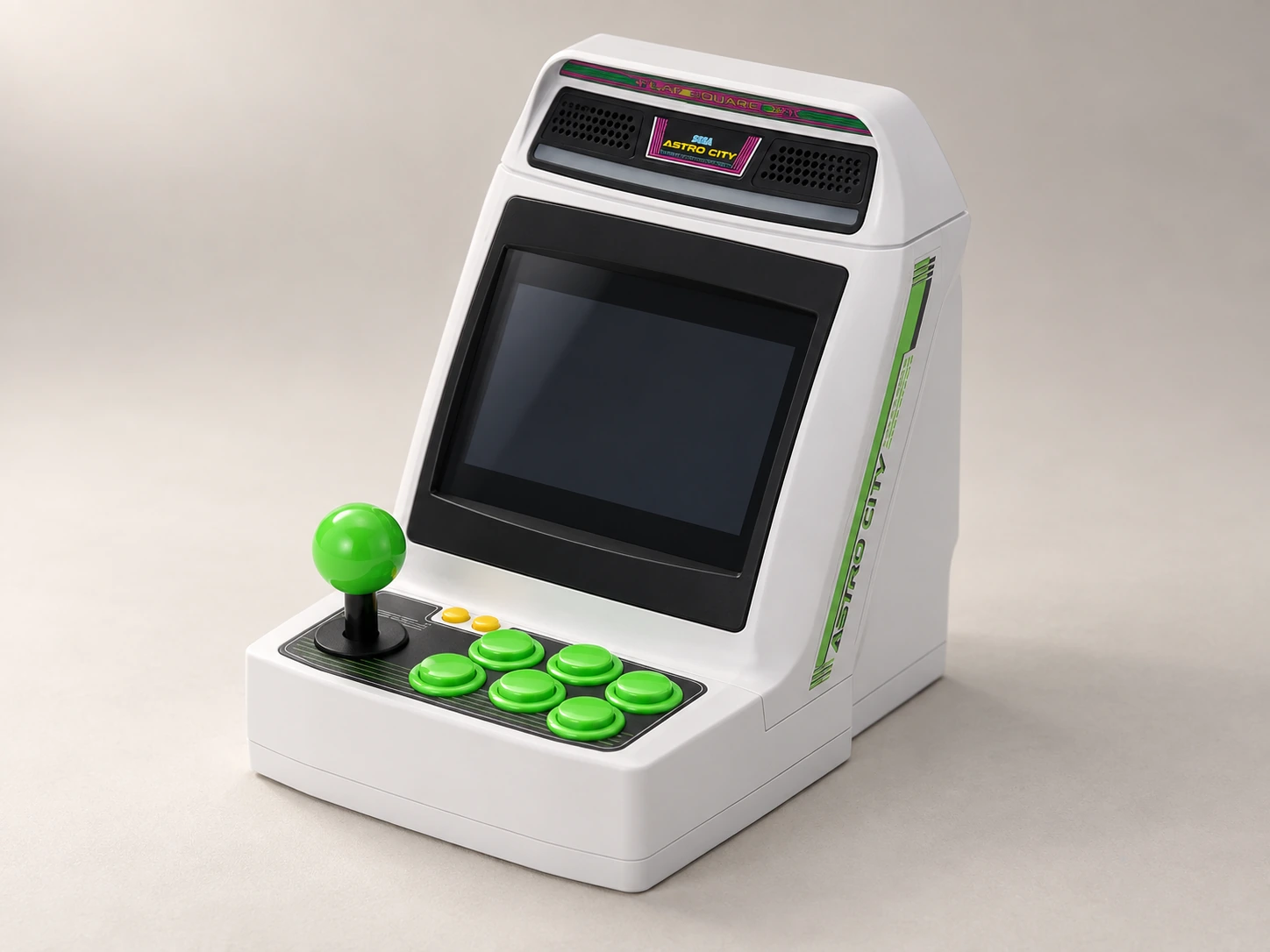
Astro City Mini

Japan · original 2020 model

A cabinet-shaped piece of everyday sculpture.

AI-generated studio portrait of Astro City Mini, Japan · original 2020 model.
AI-generated portrait · Image notes

Tabletop arcade miniature

The pleasure
of the object.

The original Astro City Mini turns a familiar arcade silhouette into a small object with its own screen and controls. Its green details help explain the visual starting point for this atlas’s default palette.

The sculptural shell can stand on its own in a small display grouping. Keep the editorial choice separate from the site’s styling: you do not need matching furniture or a matching website skin to enjoy it.

What living with it
involves.

Choose a display place and a comfortable table position separately. The machine may spend most of its time among books, then come closer when you want to play. Power and accessory storage make that transition practical.

The tradeoff

Optional controllers and the separate arcade stick can be much more significant in the room than the base miniature suggests. Show them honestly whenever they are part of your setup.
One object. Three arrangements.

Display. Play.
Put away.

01 / display

What stays out?

The base body is 130 × 170 × 170 mm (W × D × H). Decorative stands and connected leads are additional.

02 / play

Where do you play?

Bring the cabinet within comfortable view and reach. A high display shelf need not double as a playing surface.

03 / storage

Where does it go?

Keep the base lead close by. Give the arcade stick its own place if you add one, rather than assuming miniature-console storage will accommodate it.

The whole setup

The parts
beyond the box.

Use the exact edition’s instructions. A styled object alone does not show the complete kit.

Supplied / package

  • Base miniature
  • USB power and HDMI leads

Also plan for

  • Suitable power source
  • Stable surface and comfortable screen position

Optional additions

  • Separate controller
  • Arcade stick
  • Display accessories

An everyday routine

Make it easy
to come back.

  1. Check the original-model setup guidance and suitable power source.
  2. Choose the playing position before arranging any decorative display accessories.
  3. Return optional controls to their own storage after the session.
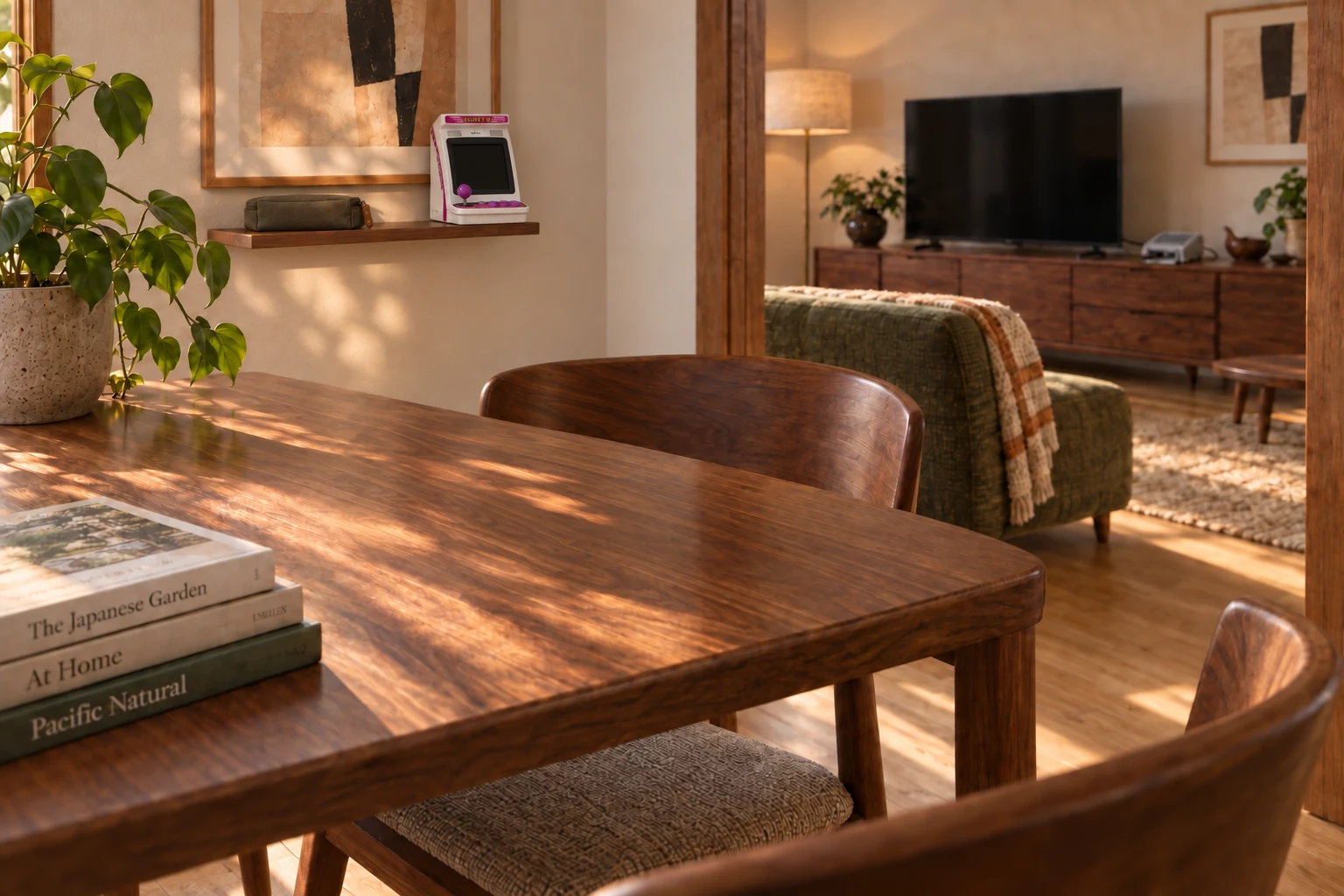
AI-generated interior concept: The adjoining dining nook with EGRET II mini stored on the wall shelf and a clear dining table.
AI-generated interior concept · EGRET II mini in the dining nook of the same home. Its built-in screen and controls need no wireless pad; the power lead is connected for play and stored with the adapter at rest.

From object to home / Revealed for play

Bring the arcade to the table.

A miniature arcade can have one place for being admired and another for being played.

Explore the room idea

Evidence / checked 2026-09-19

Know which machine
you’re looking at.

The original Astro City Mini and Astro City Mini V are different products. This profile does not combine their dimensions, screen layouts or libraries.

Manufacturer documentation and editorial interpretation; no hands-on installation or product test. Prices and live availability are outside this edition.

  1. Sega: original Astro City Mini

    Original model, not Astro City Mini V. Optional controllers and display accessories are separate.