THE PLAYABLE INTERIOR / VOL. 01AN INDEPENDENT FIELD GUIDE

A field guide to
games & good spaces.

The objects

Object 07 / Computers

THEA500 Mini

Retro Games · THEA500 Mini

A small computer. Make room for the mouse.

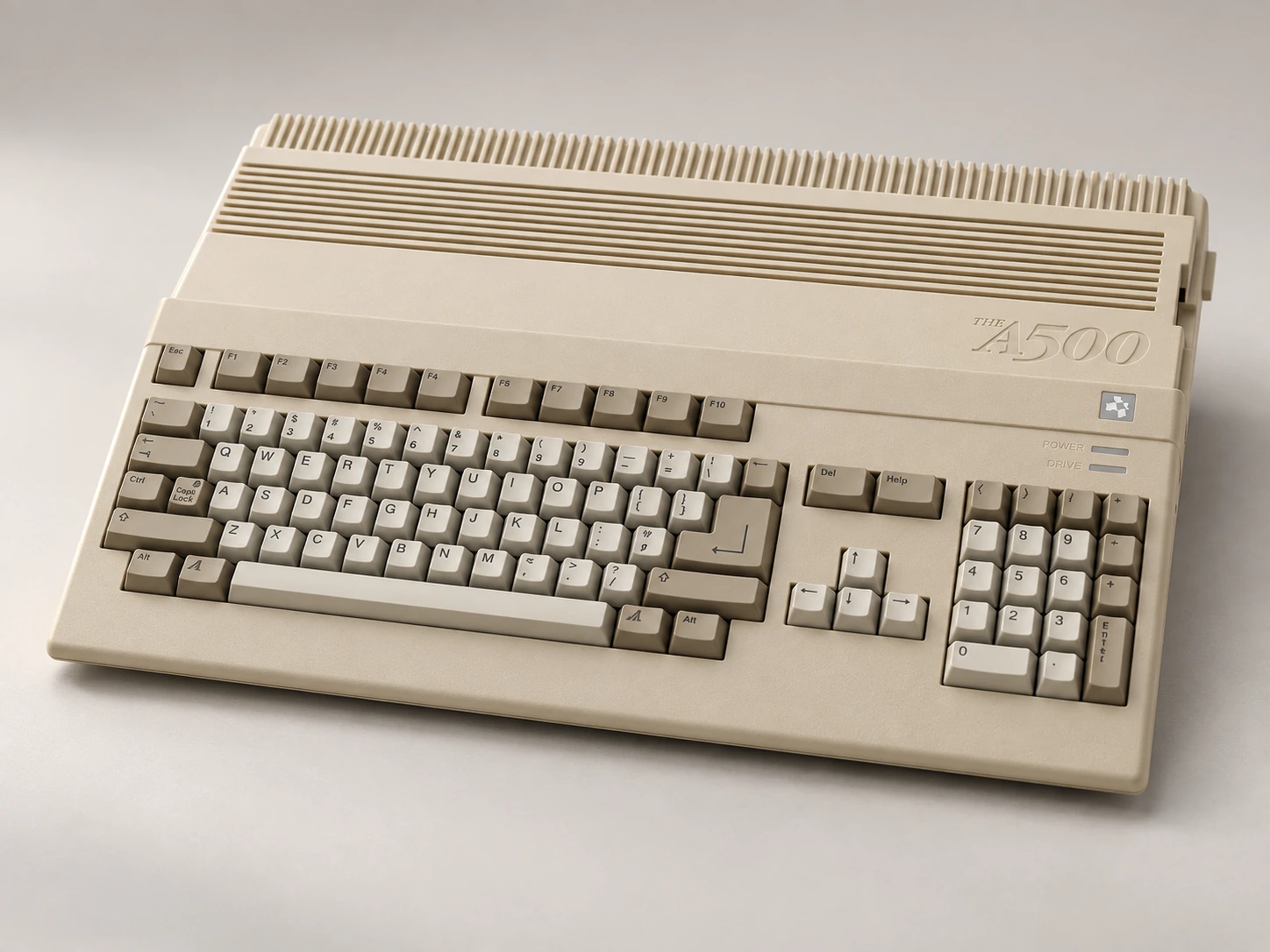
AI-generated studio portrait of THEA500 Mini, Retro Games · THEA500 Mini.
AI-generated portrait · Image notes

Miniature Amiga-inspired system

The pleasure
of the object.

THEA500 Mini brings an Amiga-shaped object into a compact setup, but the body is only the beginning of the story. The supplied mouse and gamepad give the surrounding tabletop a real job to do.

It suits the ritual of bringing something out for a particular kind of evening. A dedicated accessory container can make that feel considered, keeping the appealing little computer and the practical pieces together.

What living with it
involves.

Start with the input method for the game you want to play. A mouse needs a useful surface; a controller needs a comfortable route to your seat. Any external keyboard adds another object to accommodate.

The tradeoff

Miniaturizing the computer’s body does not miniaturize hands, a mouse surface or the display. Judge the complete arrangement before deciding that it belongs on a tiny shelf.
One object. Three arrangements.

Display. Play.
Put away.

01 / display

What stays out?

The miniature body can live on a modest open shelf, but this is not automatically a good playing position.

02 / play

Where do you play?

Bring it to a useful surface and include the mouse, pad and connected leads. Do not size the arrangement from the shell alone.

03 / storage

Where does it go?

Keep the mouse and controller with the computer, using loose cable organization rather than compressing everything into the smallest box.

The whole setup

The parts
beyond the box.

Use the exact edition’s instructions. A styled object alone does not show the complete kit.

Supplied / package

  • Mouse
  • Gamepad
  • Display and power leads

Also plan for

  • HDMI display
  • Compatible USB power adapter
  • Usable mouse surface where needed

Optional additions

  • External keyboard, separately checked

An everyday routine

Make it easy
to come back.

  1. Choose the game’s input method and clear the necessary surface.
  2. Connect the display and appropriate power supply according to the product guidance.
  3. Put the accessories away together so the next session starts with a complete kit.
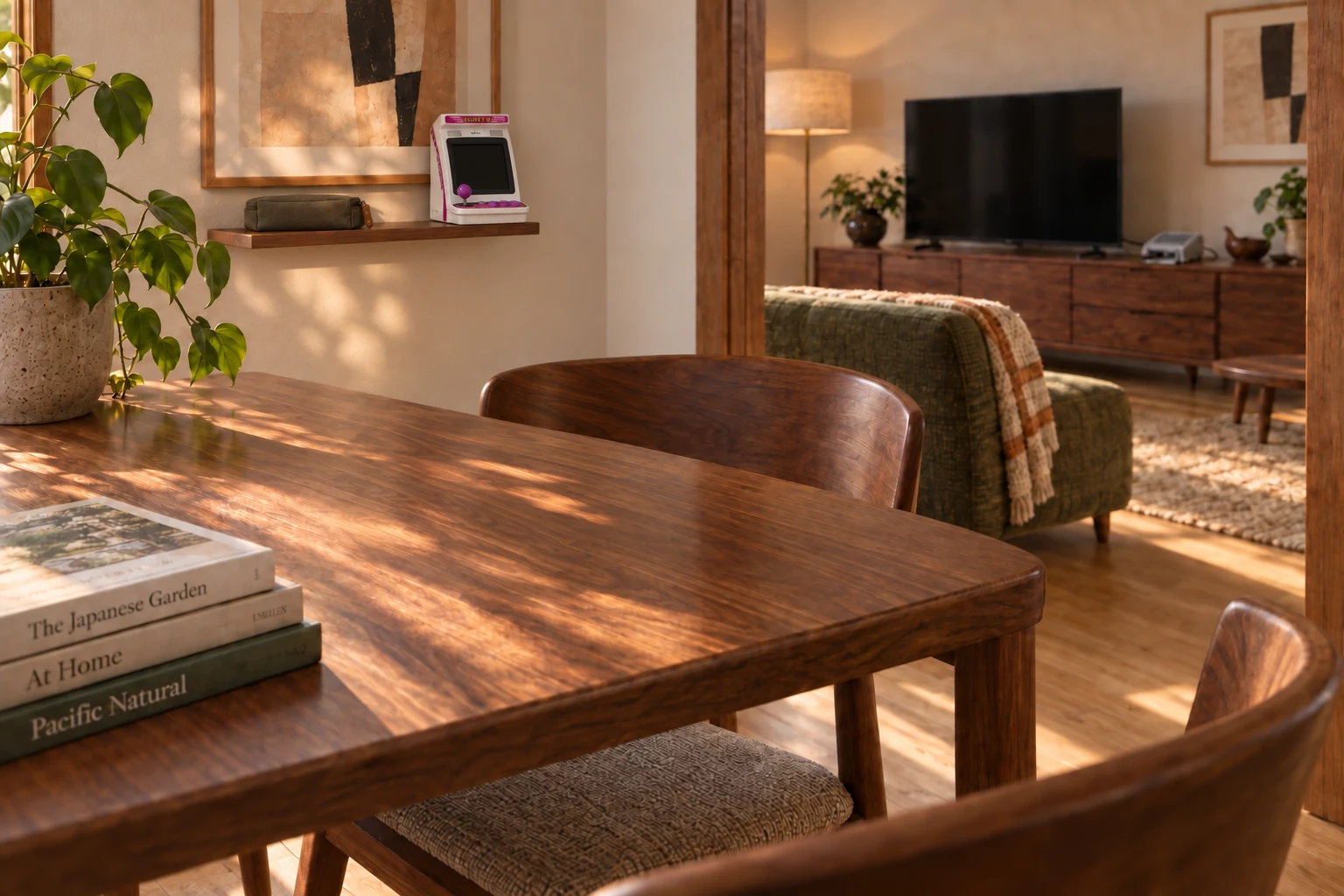
AI-generated interior concept: The adjoining dining nook with EGRET II mini stored on the wall shelf and a clear dining table.
AI-generated interior concept · EGRET II mini in the dining nook of the same home. Its built-in screen and controls need no wireless pad; the power lead is connected for play and stored with the adapter at rest.

From object to home / Revealed for play

Bring the arcade to the table.

A miniature arcade can have one place for being admired and another for being played.

Explore the room idea

Evidence / checked 2026-09-19

Know which machine
you’re looking at.

Body dimensions and actual controller reach are not verified here. This is THEA500 Mini, not the full-size THEA1200 recreation.

Manufacturer documentation and editorial interpretation; no hands-on installation or product test. Prices and live availability are outside this edition.

  1. Retro Games: THEA500 Mini

    Miniature Amiga-inspired device. Body dimensions were not established in this research.