THE PLAYABLE INTERIOR / VOL. 01AN INDEPENDENT FIELD GUIDE

A field guide to
games & good spaces.

The objects

Object 03 / Consoles

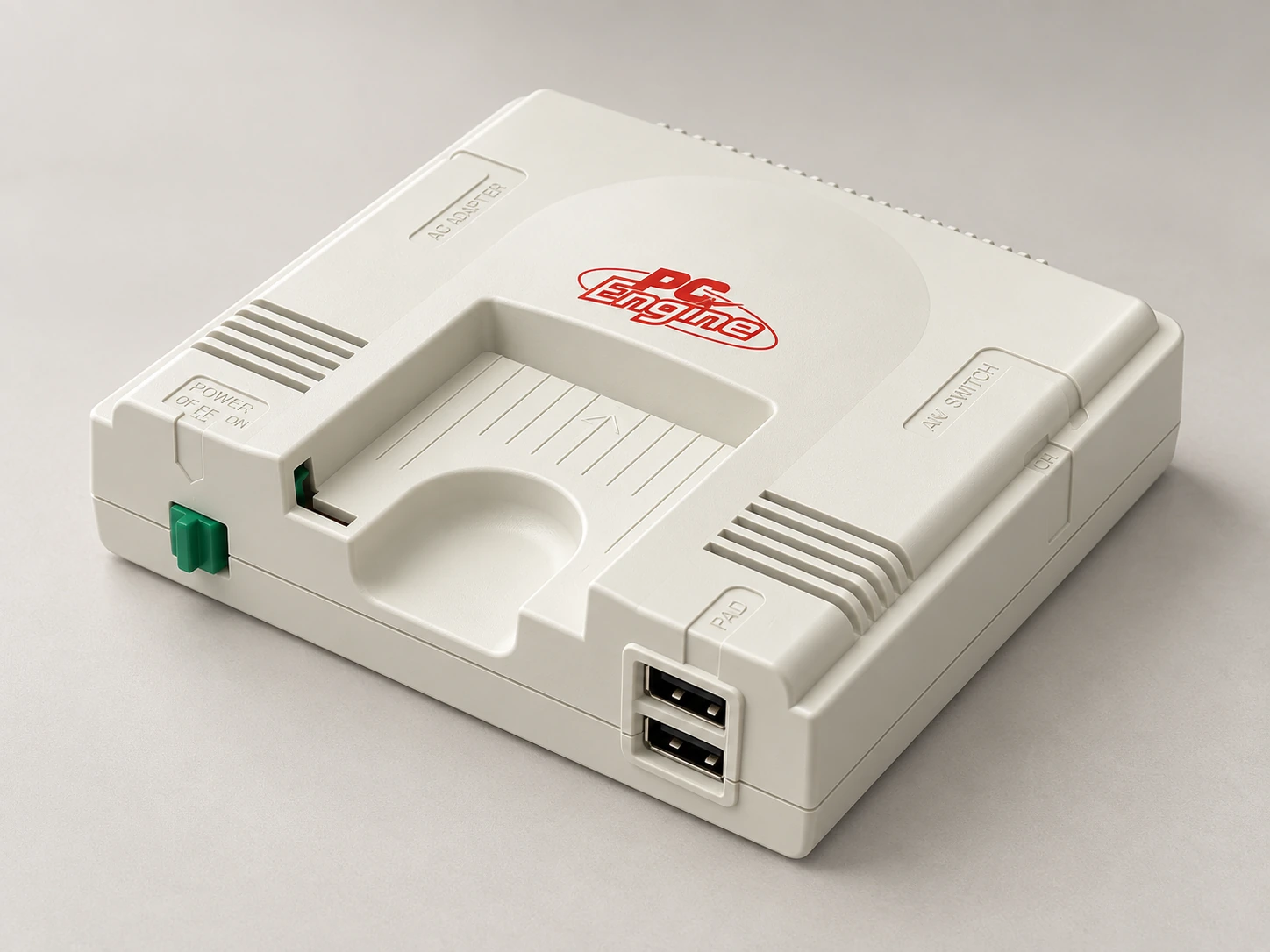
PC Engine mini

Japan · white PC Engine shell

A small white object. A larger ritual.

AI-generated studio portrait of PC Engine mini, Japan · white PC Engine shell.
AI-generated portrait · Image notes

Miniature console

The pleasure
of the object.

The Japanese PC Engine mini offers a compact, pale counterpoint to the dark boxes usually found beside a television. This profile follows the white Japanese edition, not the differently shaped CoreGrafx or TurboGrafx variants.

Its restrained shell can sit with a small group of objects without dominating them. A modest open shelf, a little breathing room in the composition and the controller stored close by are enough to give it a place.

What living with it
involves.

Look at the back as well as the front. The rear connection cover, display cable and power route affect where the console can actually sit. Place the controller where it can be retrieved without unpacking the whole shelf.

The tradeoff

A miniature body is not a miniature complete setup. You still need the television, suitable power supply and a comfortable wired-controller arrangement. Original-looking details do not make original game cards the play route.
One object. Three arrangements.

Display. Play.
Put away.

01 / display

What stays out?

Leave rear access for the connection cover and cable routing. Avoid wedging the console tightly between books.

02 / play

Where do you play?

The supplied pad is wired. Check its actual reach with HDMI and power connected; this guide does not establish a wireless replacement for this console. The Super Famicom room’s receiver must not be assumed compatible.

03 / storage

Where does it go?

Keep the controller and power accessories together. A dedicated box can make a small console easier to live with than loose pieces in several drawers.

The whole setup

The parts
beyond the box.

Use the exact edition’s instructions. A styled object alone does not show the complete kit.

Supplied / package

  • One controller
  • HDMI and USB power leads

Also plan for

  • HDMI display
  • Compatible USB power adapter

Optional additions

  • Additional compatible controls, separately checked

An everyday routine

Make it easy
to come back.

  1. Check the Japanese model’s manual and connect its display and power leads.
  2. Set the controller in a comfortable position before settling the console into its styled place.
  3. Switch off and put the controller back without sharply bending or trapping its lead.
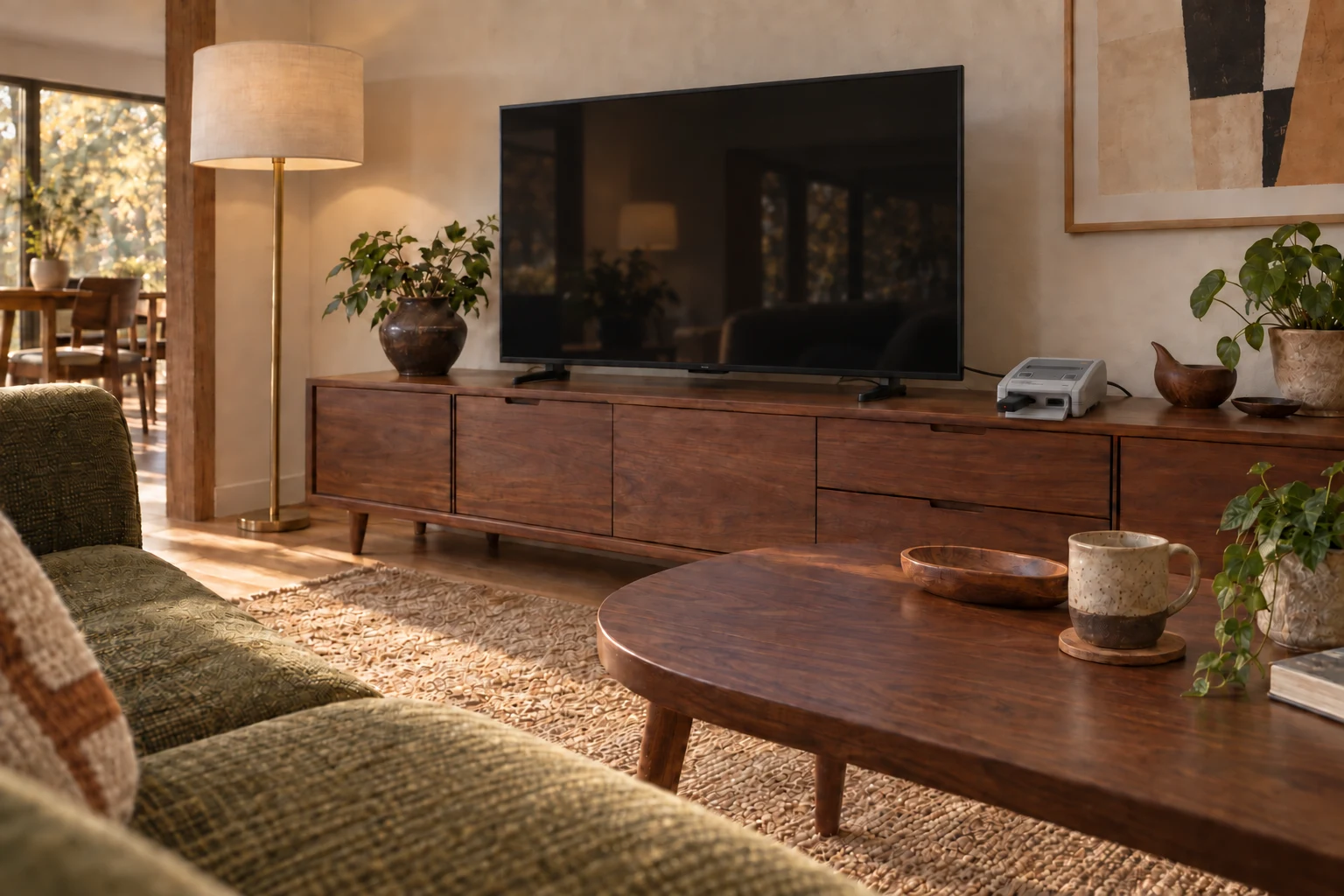
AI-generated interior concept: Japanese Super Famicom Mini beside the TV, with receiver connected and wireless controller stored away.
AI-generated interior concept · Japanese Super Famicom Mini fixed beside the TV, with Nintendo’s official wireless Super Famicom controller for Nintendo Switch Online and an 8BitDo Retro Receiver for NES/SNES/SFC Classic Edition. HDMI and power stay connected behind the TV unit.

From object to home / Quietly integrated

A place on the sideboard.

The console stays by the TV. A wireless controller brings play to the sofa.

Pictured room: Japanese Super Famicom Mini with Nintendo’s wireless Super Famicom controller and an 8BitDo Classic Edition receiver. This is an arrangement reference, not a claim that those accessories work with PC Engine mini.

Explore the room idea

Evidence / checked 2026-09-19

Know which machine
you’re looking at.

Enclosure dimensions and controller reach are not established here. Do not borrow measurements from another regional shell.

Manufacturer documentation and editorial interpretation; no hands-on installation or product test. Prices and live availability are outside this edition.

  1. Konami: PC Engine mini manual

    Pages 6–7 support power/display connections and supplied kit; white Japanese model.

  2. Konami: PC Engine mini family

    Regional gateway distinguishes PC Engine, CoreGrafx and TurboGrafx products; deeper page was age-gated.