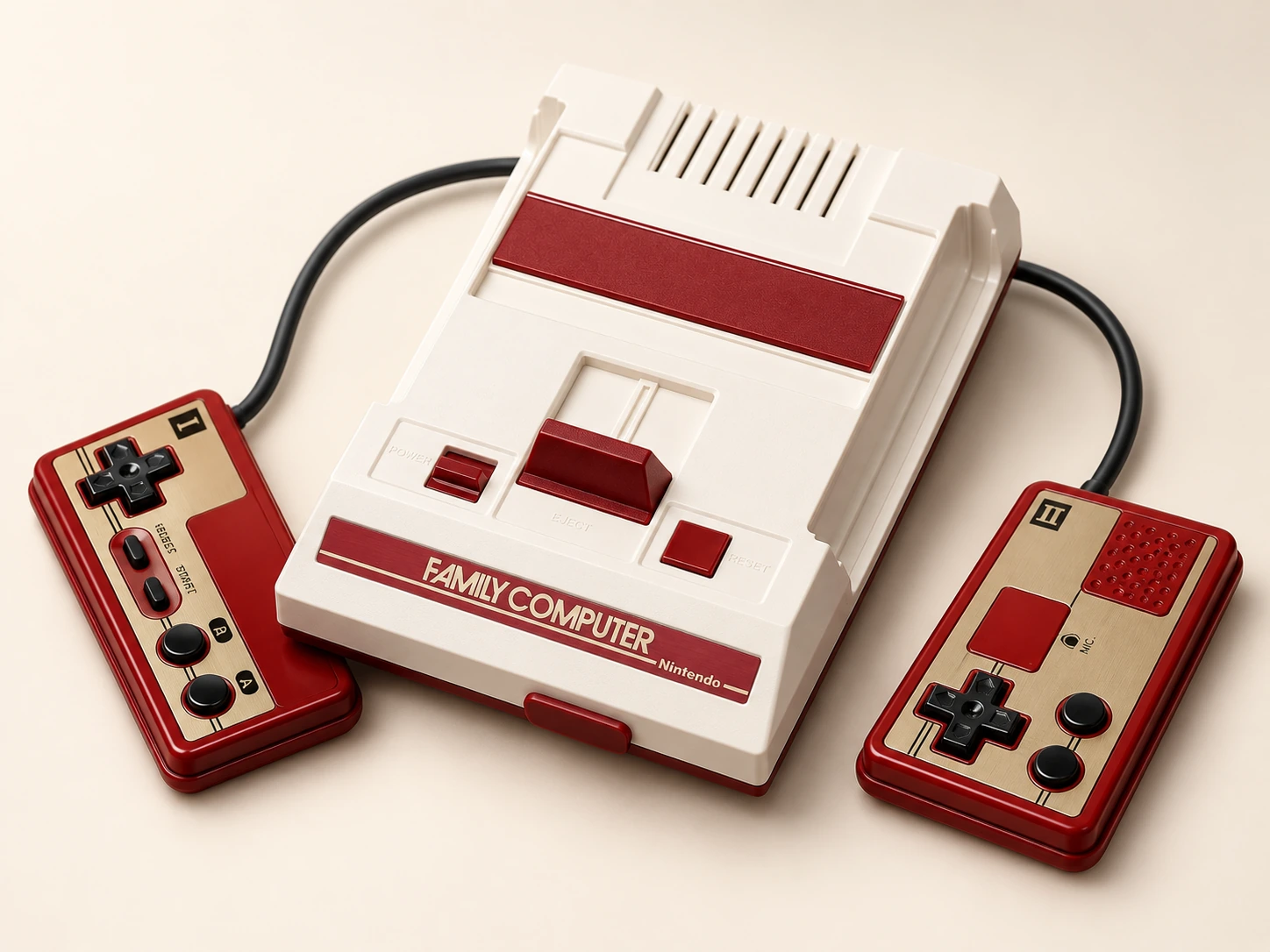
The Japanese Mini Family Computer has a warm, expressive shell. A little red and cream can give a quiet media shelf personality without asking the rest of the room to become a collection display.
Treat the console as one deliberate accent among everyday objects. Its color has enough presence that an uncluttered surrounding surface can make it more enjoyable to look at than an elaborate themed arrangement.
What living with it involves.
The controller arrangement deserves particular attention. Think about where the controls rest between sessions and where hands will be during play before fixing the console in a styled position.
The tradeoff
Body size is only one constraint. Controller reach and the complete cable route can determine where the system should be used, even if another shelf looks more appealing.
One object. Three arrangements.
Display. Play. Put away.
01 / display
What stays out?
Use the original red-and-cream Japanese edition as the visual reference. Do not substitute the NES Classic or gold anniversary shell.
02 / play
Where do you play?
Check the actual controller arrangement and reach before choosing a permanent position. A nearer clear surface may be more useful than the display shelf.
03 / storage
Where does it go?
Give the whole kit a repeatable home. Photograph or note the arrangement that works so leads are not trapped when it is put away.
The whole setup
The parts beyond the box.
Use the exact edition’s instructions. A styled object alone does not show the complete kit.
Supplied / package
Confirm the original Japanese package and controller arrangement
Also plan for
Suitable display and power setup
Playing position checked with the actual controls
Optional additions
Storage chosen after measuring the complete kit
An everyday routine
Make it easy to come back.
Read the exact Japanese model’s setup guidance.
Try the intended playing position with the complete kit before styling the shelf.
Return the controls and leads to a consistent, accessible position.
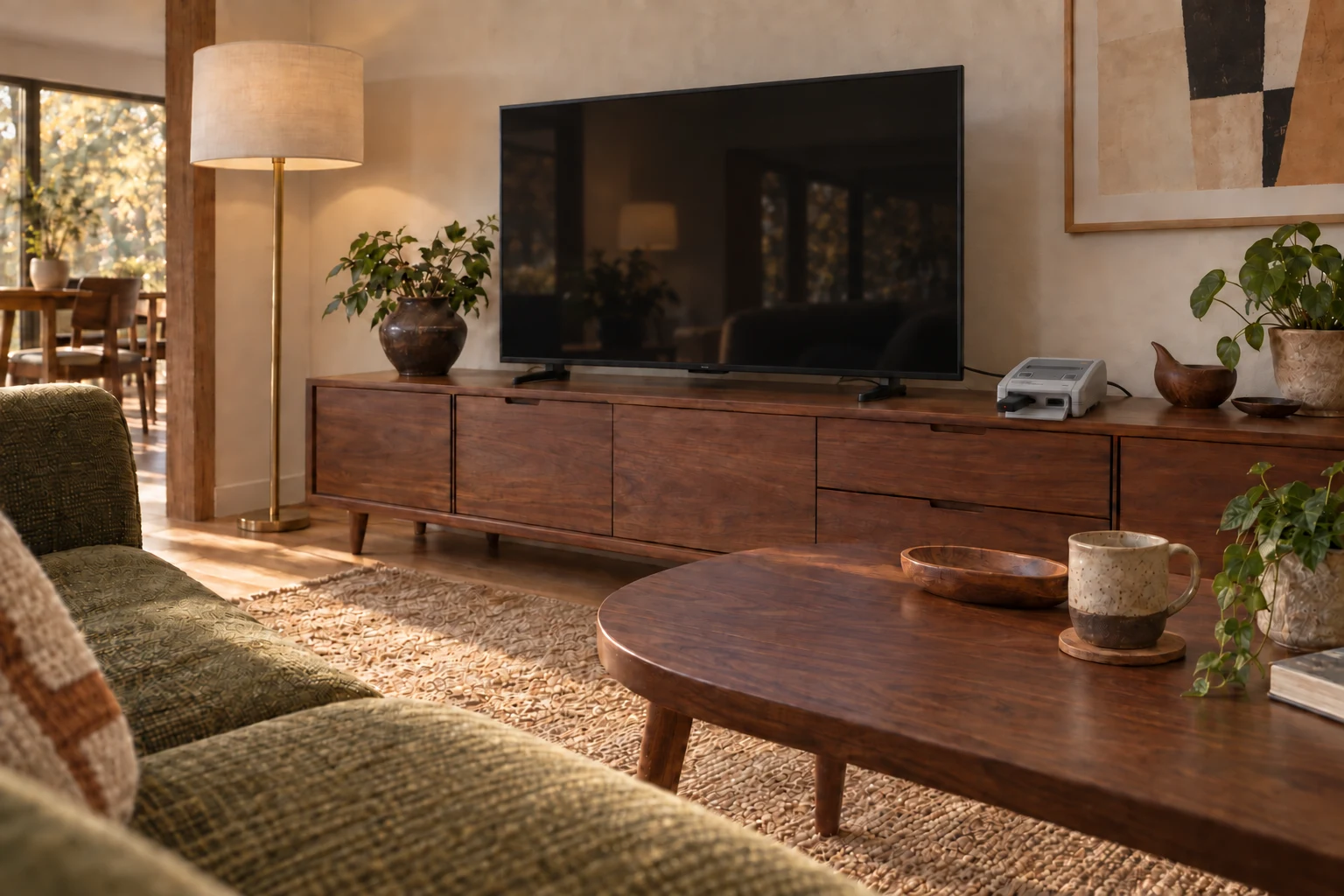
AI-generated interior concept · Japanese Super Famicom Mini fixed beside the TV, with Nintendo’s official wireless Super Famicom controller for Nintendo Switch Online and an 8BitDo Retro Receiver for NES/SNES/SFC Classic Edition. HDMI and power stay connected behind the TV unit.
From object to home / Quietly integrated
A place on the sideboard.
The console stays by the TV. A wireless controller brings play to the sofa.
Pictured room: Japanese Super Famicom Mini with Nintendo’s wireless Super Famicom controller and an 8BitDo Classic Edition receiver. This is an arrangement reference, not a claim that those accessories work with Famicom Mini.
Image-based specification details and numerical controller reach were not transcribed. The historical manufacturer page is not evidence of current secondhand stock.
Manufacturer documentation and editorial interpretation; no hands-on installation or product test. Prices and live availability are outside this edition.
Japanese original red/cream edition. Production-ended label is not a statement about secondhand availability. Image-based specifications not transcribed.