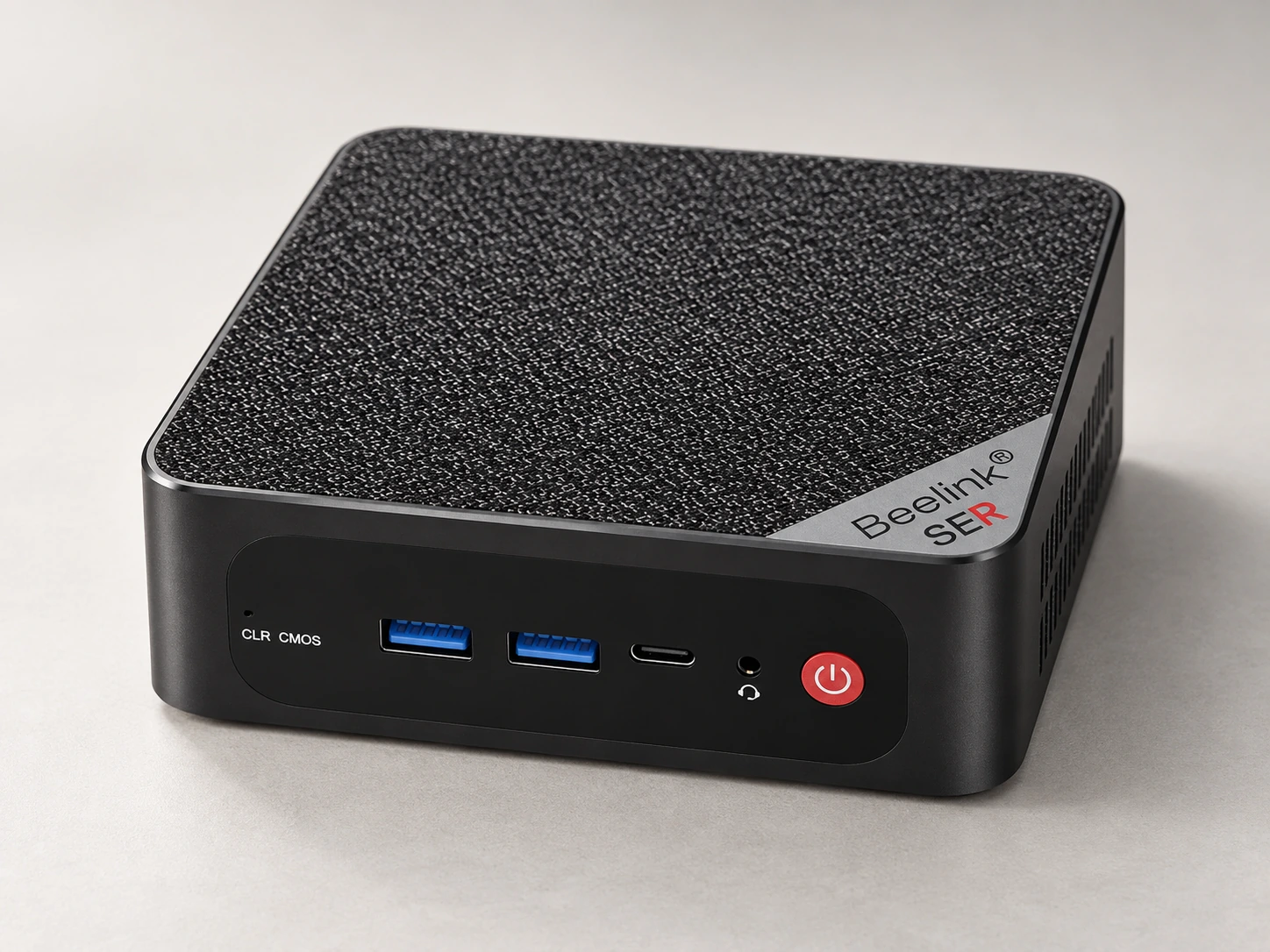
Batocera is software that turns a suitable computer into a dedicated retro-gaming setup. A mini-PC can keep the computer visually modest while the room’s existing television takes the lead.
This is an approach for someone who enjoys choosing and maintaining a system. The pleasure is in making a setup feel like your own, rather than taking a fixed miniature console out of its box.
What living with it involves.
Start with an accessible, ventilated equipment position. The computer’s power brick, controller charging or leads, and any keyboard needed for setup need places too. A small case is not evidence that it will run quietly in enclosed furniture.
The tradeoff
Flexibility brings setup work and ongoing choices. Controller behavior, game compatibility, noise and performance depend on the complete configuration. None has been hands-on tested for this atlas.
One object. Three arrangements.
Display. Play. Put away.
01 / display
What stays out?
An open media shelf can keep the box discreet while leaving its cooling and connections accessible.
02 / play
Where do you play?
Include the display, input devices and any cables reaching the seats. Decide how games are selected and how the computer is shut down.
03 / storage
Where does it go?
Keep setup peripherals nearby even if they are not part of everyday play. Label removable storage so the routine is repeatable.
The whole setup
The parts beyond the box.
Use the exact edition’s instructions. A styled object alone does not show the complete kit.
Supplied / package
Package varies; confirm exact SER5 MAX revision and supplied adapter
Also plan for
Display and video lead
Chosen controllers
Boot/storage arrangement and software setup
Optional additions
Keyboard and mouse for configuration
Additional storage
An everyday routine
Make it easy to come back.
Choose the exact computer, controller and Batocera version before following its installation documentation.
Prepare only game files and firmware you are entitled to use; verify the selected controller and display.
Use the software’s shutdown procedure and keep a record of your working configuration.
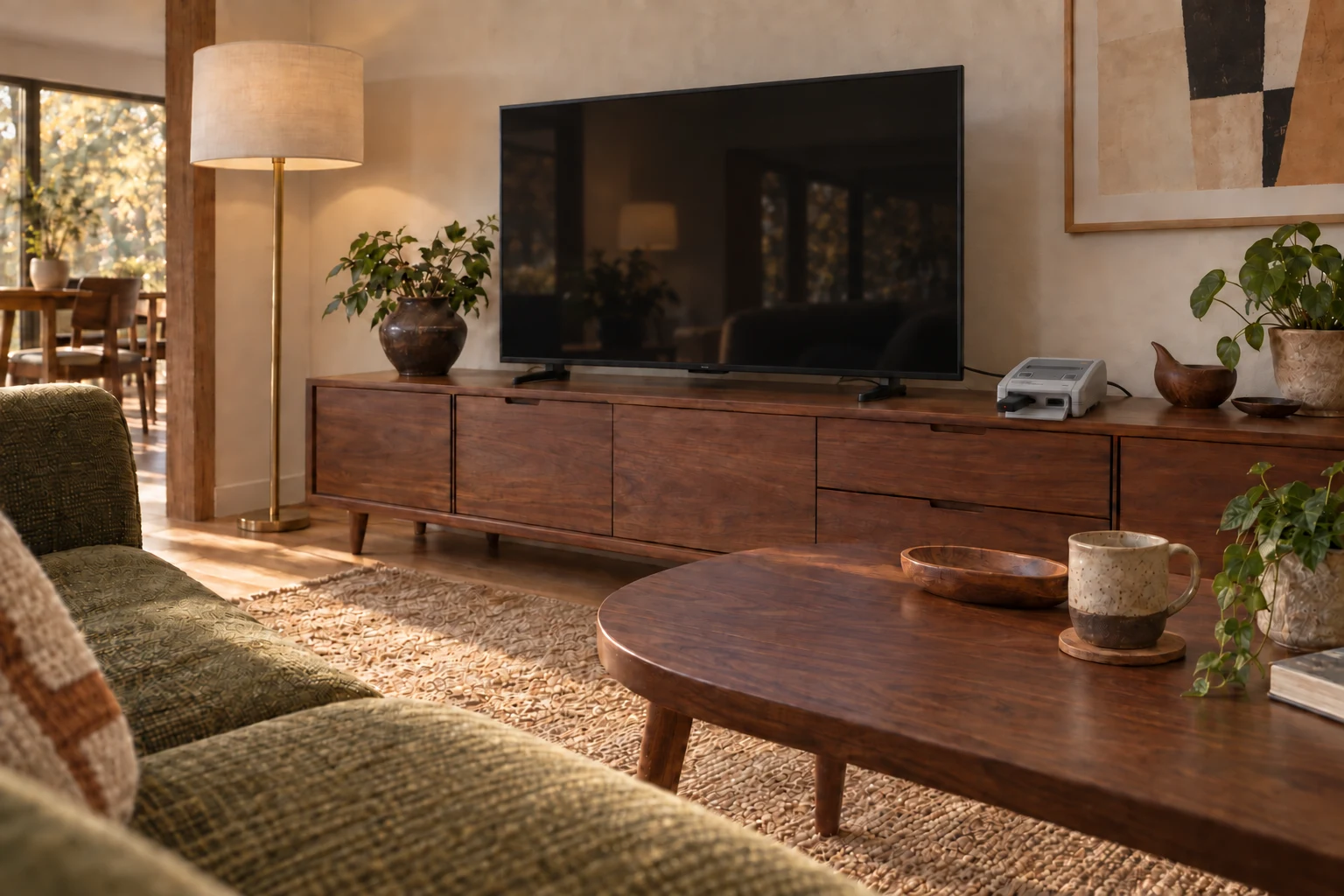
AI-generated interior concept · Japanese Super Famicom Mini fixed beside the TV, with Nintendo’s official wireless Super Famicom controller for Nintendo Switch Online and an 8BitDo Retro Receiver for NES/SNES/SFC Classic Edition. HDMI and power stay connected behind the TV unit.
From object to home / Quietly integrated
A place on the sideboard.
The console stays by the TV. A wireless controller brings play to the sofa.
Pictured room: Japanese Super Famicom Mini with Nintendo’s wireless Super Famicom controller and an 8BitDo Classic Edition receiver. This is an arrangement reference, not a claim that those accessories work with Mini-PC + Batocera.
The reference configuration is an editorial study, not a tested build or a purchase recommendation. The community report uses Batocera v38; that is evidence context, not an installation recommendation.
Manufacturer documentation and editorial interpretation; no hands-on installation or product test. Prices and live availability are outside this edition.